AI video summarizer for Mac
The gist of anything
you watch.
Screen Gist summarizes any video, lecture, call or podcast playing on your Mac. It listens and watches, so the slides, demos and charts are in your summary, not just what was said.
For Macs with Apple silicon · macOS 26 or later · 50 free credits to start

How it works
Pick. Start. Stop.
Read the gist.
Pick a window or your screen
The standard macOS picker: a browser tab with YouTube, a Zoom call, a lecture, a video file.
Press Start
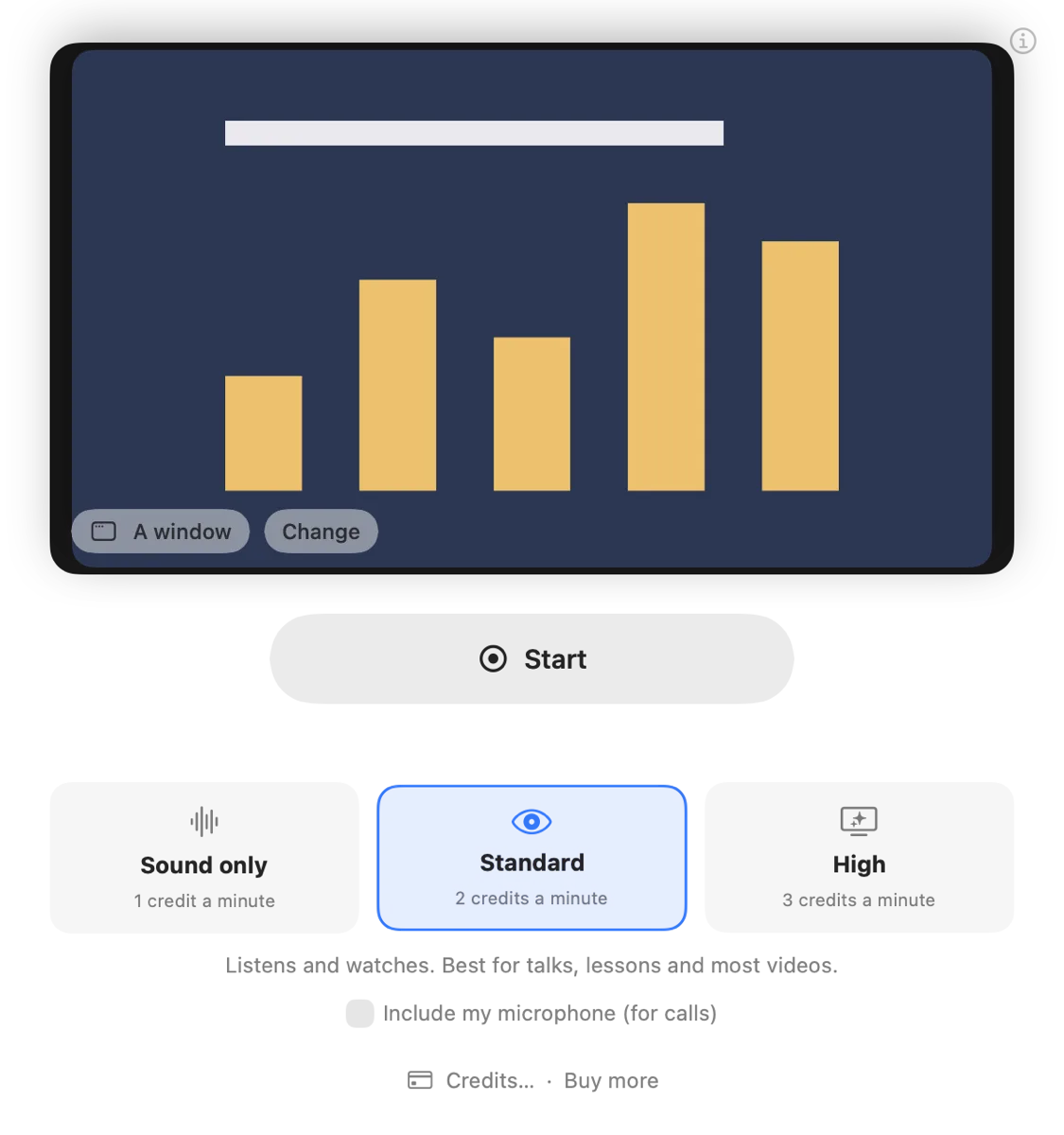
Choose Sound only, Standard or High. The window steps aside and a small pill shows the time and cost.
Press Stop
Seconds later: a two-sentence overview, timed chapters, the transcript and what was shown.
Or press ⌃⌥⌘S anywhere: pick, and recording starts at once. Press it again to stop.
Why it's different
It sees what's on screen.
Most AI summarizers only read a transcript, or only work with YouTube links. Screen Gist works with anything you can play on your Mac, and it understands the picture.
Reads the slides
Slide titles, code, charts, figures and on-screen text go into the summary, even when nobody reads them out.
No transcript needed
Works on videos without captions, a silent demo, a chart, or a video with no transcript at all.
Any app, any site
YouTube, Coursera, Zoom, Teams, Spotify, a video file. If it plays on your Mac, Screen Gist can summarize it.
Timed chapters
A two-sentence overview, then chapters with times, so you can jump back to the part that matters.
No bot in your calls
Calls are captured on your Mac. Nobody sees a note-taker join, and speakers are told apart.
Nothing kept
No recordings are stored. Only the text of your summaries stays on your Mac, in History.
Use cases
One app for everything you watch.
Lectures and courses
Turn a lecture with slides into study notes with times, from Coursera, Udemy, YouTube or your university.
Meetings and calls
Zoom, Google Meet, Teams or Slack: a summary with who said what, and what was on the shared screen.
YouTube
Any YouTube video, including ones without captions, and live streams while you watch.
Podcasts
Spotify, Apple Podcasts or the web, at the sound-only rate of 1 credit a minute.
Videos with no transcript
Demos, screencasts and videos with little speech: summarized from what's shown.
Video and audio files
Drop in an MP4, MOV, M4A or MP3. It's read faster than playing it, and costs its length.
Pricing
Pay for what you summarize.
No subscription. Credits are charged by the second while you record.
Your first purchase includes 10% extra credits.
Rates
50 free credits on a new Mac. Credits never expire. Full pricing
Questions
What is Screen Gist?
Screen Gist is a Mac app that summarizes whatever is playing on your screen: a YouTube video, a lecture, a Zoom call, a podcast or a video file. You pick a window or your screen, press Start, and press Stop when you're done. You get a short overview, timed chapters and the full transcript.
Does it really watch the video, or just read the transcript?
It does both. Screen Gist listens to the sound and looks at the picture: it reads slides, code and on-screen text, and describes what's shown, so a summary includes the chart, the demo or the diagram, not only what was said. That's why it works on videos with no transcript or captions.
Which apps and websites does it work with?
Any app or website you can see on your Mac: Safari, Chrome, YouTube, Vimeo, Coursera, Udemy, Zoom, Google Meet, Microsoft Teams, Slack, Spotify, Apple Podcasts, QuickTime and more. You can also drop in a video or audio file.
Does a bot join my meetings?
No. Screen Gist captures the call's sound on your Mac, the way your speakers hear it. Nobody else sees a bot or a participant. Turn on "Include my microphone" so your side of the call is in the summary too, and let people know you're taking notes.
How much does it cost?
You pay only for what you summarize, with prepaid credits and no subscription: 1 credit a minute for sound only, 2 for Standard video and 3 for High. A $25 pack of 3,000 credits covers about 25 hours of video. New Macs get 50 free credits.
Are my recordings stored?
No. Screen Gist never keeps recordings. Sound and pictures are used to write your summary and then deleted; only the text stays on your Mac, in History.
Can it summarize Netflix or other protected video?
Not the picture. Copy-protected video (Netflix, Disney+, Apple TV+ and some courses) shows as black to every screen-capture app. Screen Gist tells you when that happens and can carry on with the sound only, at the lower rate.
What do I need?
A Mac with Apple silicon (M1 or later) running macOS 26 or later. Screen Gist is a direct download, not a Mac App Store app.
Get the gist of everything you watch.
Screen Gist is in private beta. Join the waitlist and get 50 free credits when it opens.
Be first to know when Screen Gist is ready. We only email about the launch.